

If you’re anything like me, silence isn’t always golden. Whether I’m trying to drown out the bustling sounds of the city or just trying to focus on writing my next review while my French Bulldog, Kermit, decides it’s the perfect time to play with a squeaky toy, I often need a background buffer.
For years, I relied on third-party apps like Calm or Dark Noise to fill that silence with white noise. They work great, but they often come with subscription fees, and honestly, I need to have a bit of a 2026 subscription declutter this year.
In my quest to find a cheaper alternative, I remembered that Apple actually baked a high-quality sound machine directly into iOS 26, and most people have no idea it’s even there.
The feature is called Background Sounds, and if you struggle with distractions or insomnia, it might just be the most underrated accessibility feature on your iPhone.
Why use Apple’s native background noises?
Beyond the obvious benefit of being free, the integration is what makes this feature shine. Unlike some third-party apps that cut out when you lock your phone or start playing music, Apple’s Background Sounds are designed to layer.
You can have a rainstorm playing underneath your favorite podcast, or white noise humming along while you scroll TikTok. It transforms your phone into a dynamic soundscape rather than just a media player, and because of that, I think it’s the best way to listen to background sounds on an iPhone.
Sounds like white noise are scientifically proven to help people sleep better, so if you’re a light sleeper or have noisy neighbors that make falling asleep a chore, Apple’s hidden iPhone sound library could be the solution you’ve been looking for.
How to listen to sounds like white noise on your iPhone
I love listening to white noise, especially when I want to get in the zone and get serious work done. Enabling Background Sounds on iOS 26 is incredibly easy, but if you didn’t know where to find it you’d never know it existed.
Here’s how to enable sounds like white noise on iPhone.
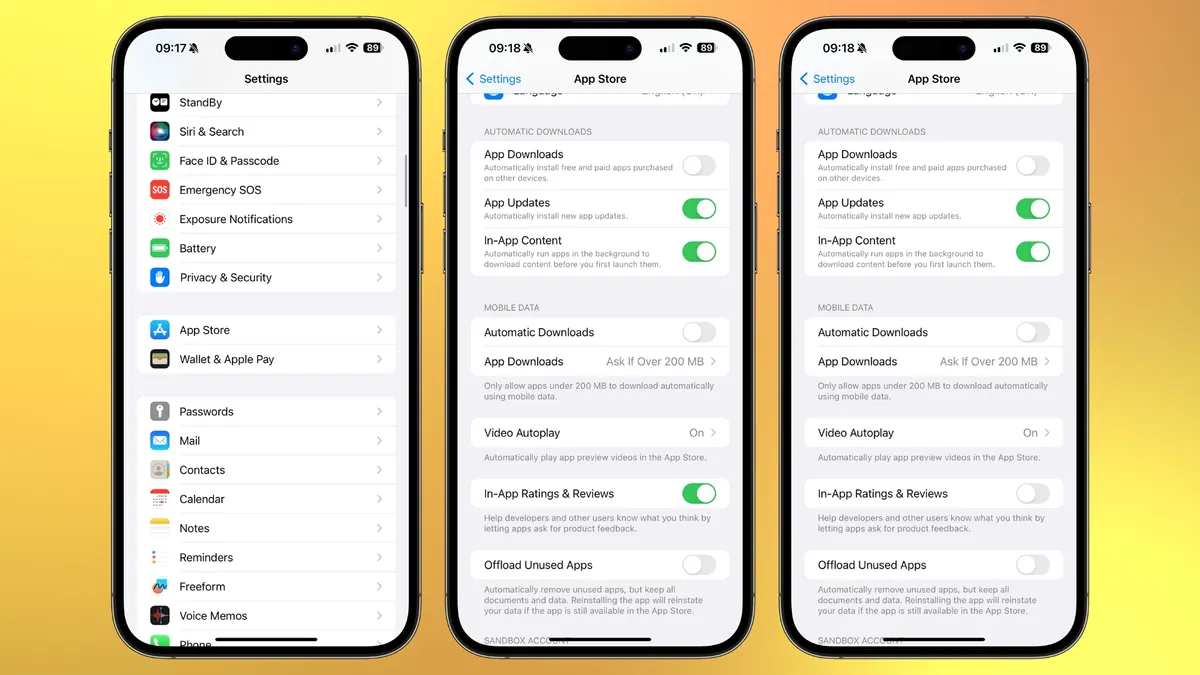
- Open Settings
- Tap Accessibility, then Audio & Visual
- Select Background Sounds
- Toggle On and select your sound of choice
Pro tip: Control Center toggle
So you now know how to turn on background noises on iPhone, but wouldn’t it be better if you had a quick toggle so you don’t need to spend extra time delving into the Settings app every time you want to use rain sounds?
There’s a simple fix, and it’s built into the iPhone’s Control Center.
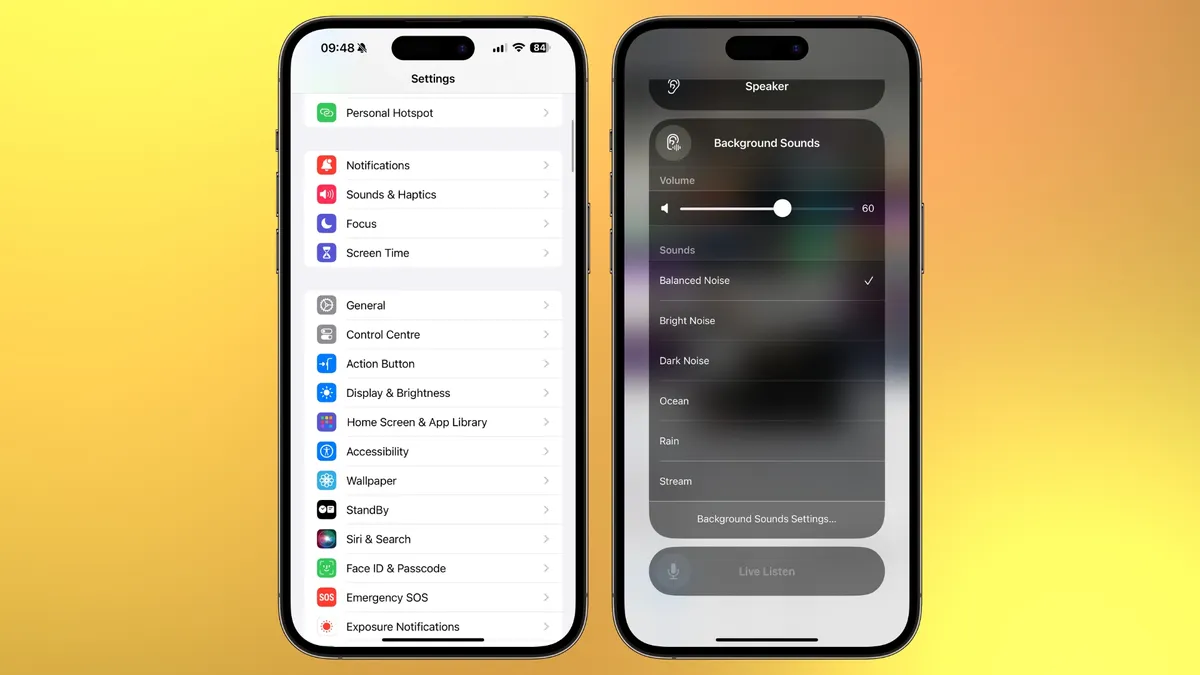
- Open Settings
- Select Control Center
- Add Hearing
That’s all there is to it, you’ve now got access to a dedicated iPhone background noise toggle without paying for a subscription from one of the best iPhone apps like Calm.
If you want to take this even further, you can use the Shortcuts app to enable sounds like white noise just before bedtime and disable it when you wake up.
This secret tool is just one of many lesser-known iPhone features that people often overlook. Stay tuned to TechRadar for more quick iOS tips.
Follow TechRadar on Google News and add us as a preferred source to get our expert news, reviews, and opinion in your feeds. Make sure to click the Follow button!
And of course you can also follow TechRadar on TikTok for news, reviews, unboxings in video form, and get regular updates from us on WhatsApp too.
