

I spend a lot of my time sitting at a desk. It might be writing, editing photos, splicing videos together, or some other task. Unfortunately, while I’m engaged in these activities, I am susceptible to getting distracted. Come on, I’m not the only one, am I?
The number of potential distractions seems to be growing. Aside from access to the entire internet, there are door-knocking delivery drivers, arguing children, coffee beverages to be consumed, and, of course, the lure of that cookie jar. A day set aside for writing can quickly get hijacked by 101 other ‘good’ things, and I’m constantly aware that I need help to stay focused.
Recently, my help has come in the form of a lo-fi music streaming app called Lola. This free and easy-to-use app plays lo-fi music by working seamlessly with your streaming music provider of choice. That means you’ll need a subscription to an app like Spotify or Apple Music so you can take advantage of ad-free music.
This is part of a regular series of articles exploring the apps that we couldn’t live without. Read them all here.
If the term “lo-fi music” makes you think of bad quality, then a brief explainer is necessary. Lo-fi is short for low fidelity, and it’s basically a style of music that embraces a relaxed, mellow sound as well as intentional imperfections. It covers a range of genres, including hip-hop, jazz, and ambient, and more often than not, there are usually few or no lyrics.
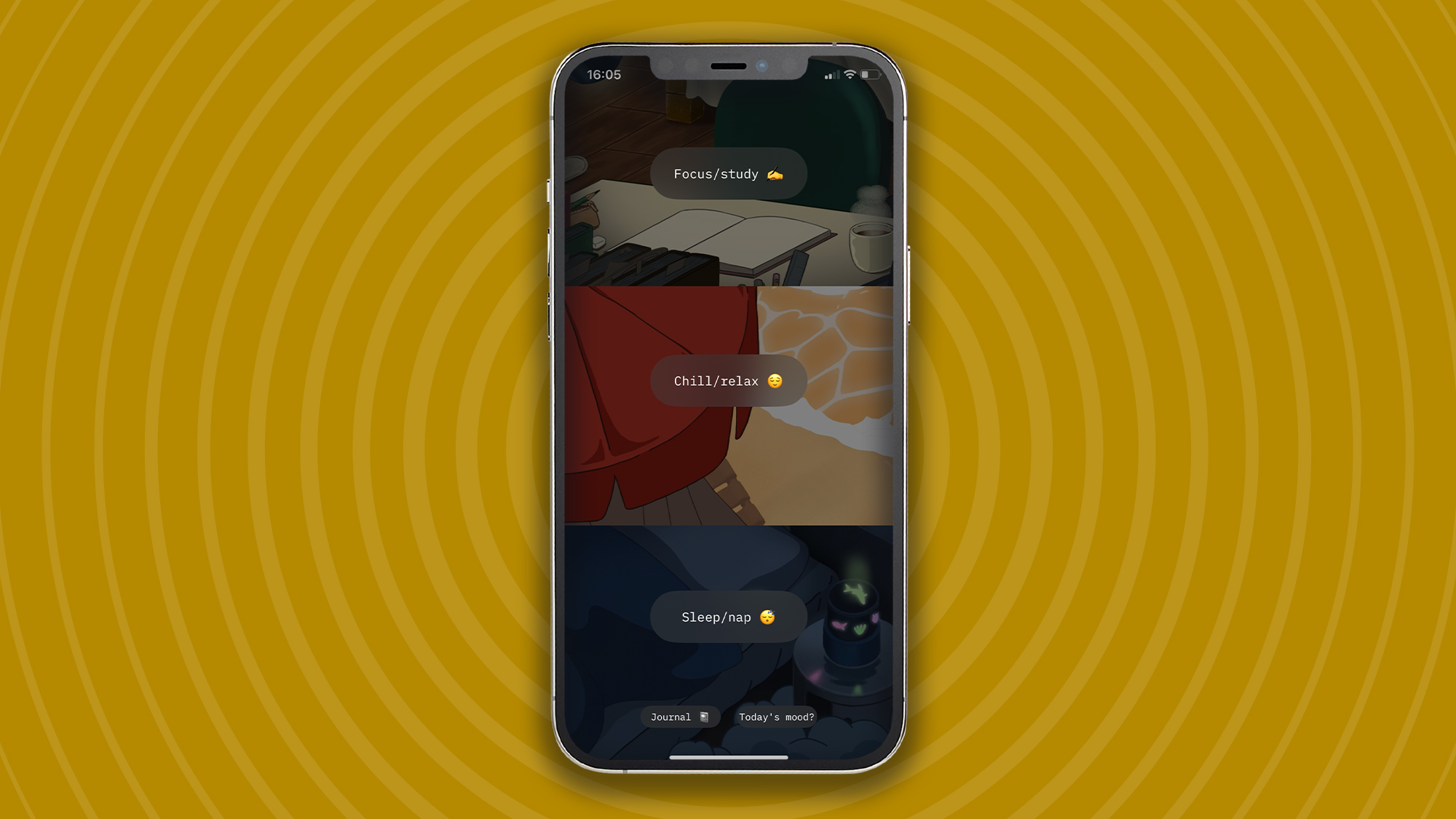
Help with focus, relaxation, and sleep
Every time you open the app, it prompts you to decide whether you want to ‘focus/study’, ‘chill/relax’, or ‘sleep/nap’. Each mode is tailored to different kinds of listening goals, each with its own vibe and purpose. I’m a big fan of the focus option, in particular, because it serves up a range of tracks chosen to be engaging enough to keep attention while being sufficiently calm and unobtrusive so your brain can focus on the task at hand.
When you enter into ‘listening’ mode, Lola will connect to your music streaming service and launch a playlist. To do this, it’ll momentarily jump over to the music app before returning to the Lola app, which, unfortunately, results in a less seamless experience than is ideal. Also, because it’s only a basic wrapper – for Spotify in my case – there’s no way to skip a track if it plays music you don’t like. Negatives aside, once the music is playing, the Lola app fades into the background and lets you crack on with work.
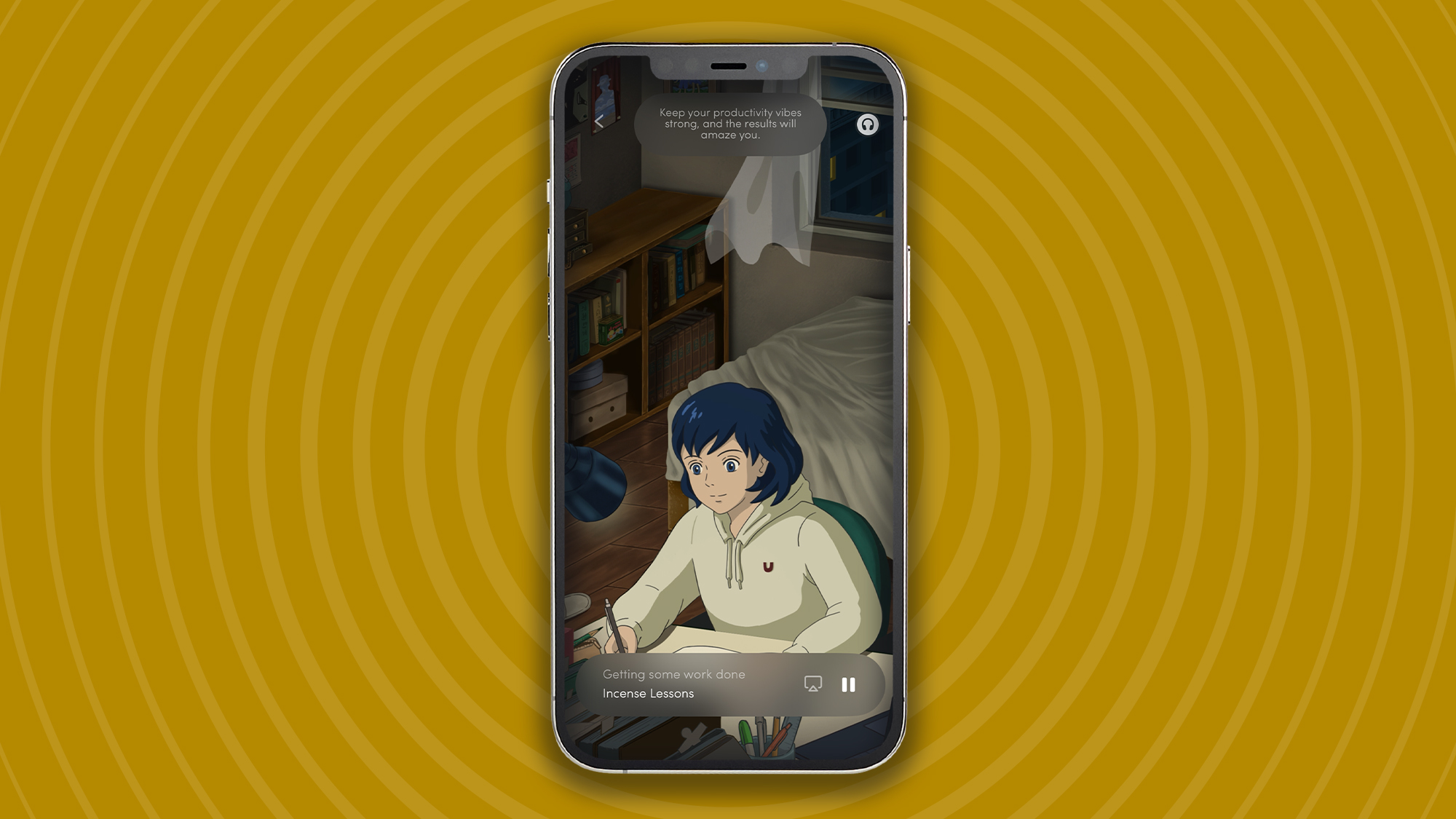
Beautiful animations and illustrations
To help maintain a calm state of mind, Lola provides beautiful animations and illustrations from artist AnchoPoncho, which give the listening experience a warm, friendly look and a bit of personality. I love the cute animations, and the fact that they come more alive the longer you listen is a nice touch.
Initially, the app will only give a single set of visuals to accompany your listening, but it is possible to unlock other graphics and styles. Being able to unlock more content is one of the many reasons I keep turning back to Lola. Locked content is made available by using the app more often, completing focus, chill, or sleep sessions, rather than features that are immediately available in the rest of the app.
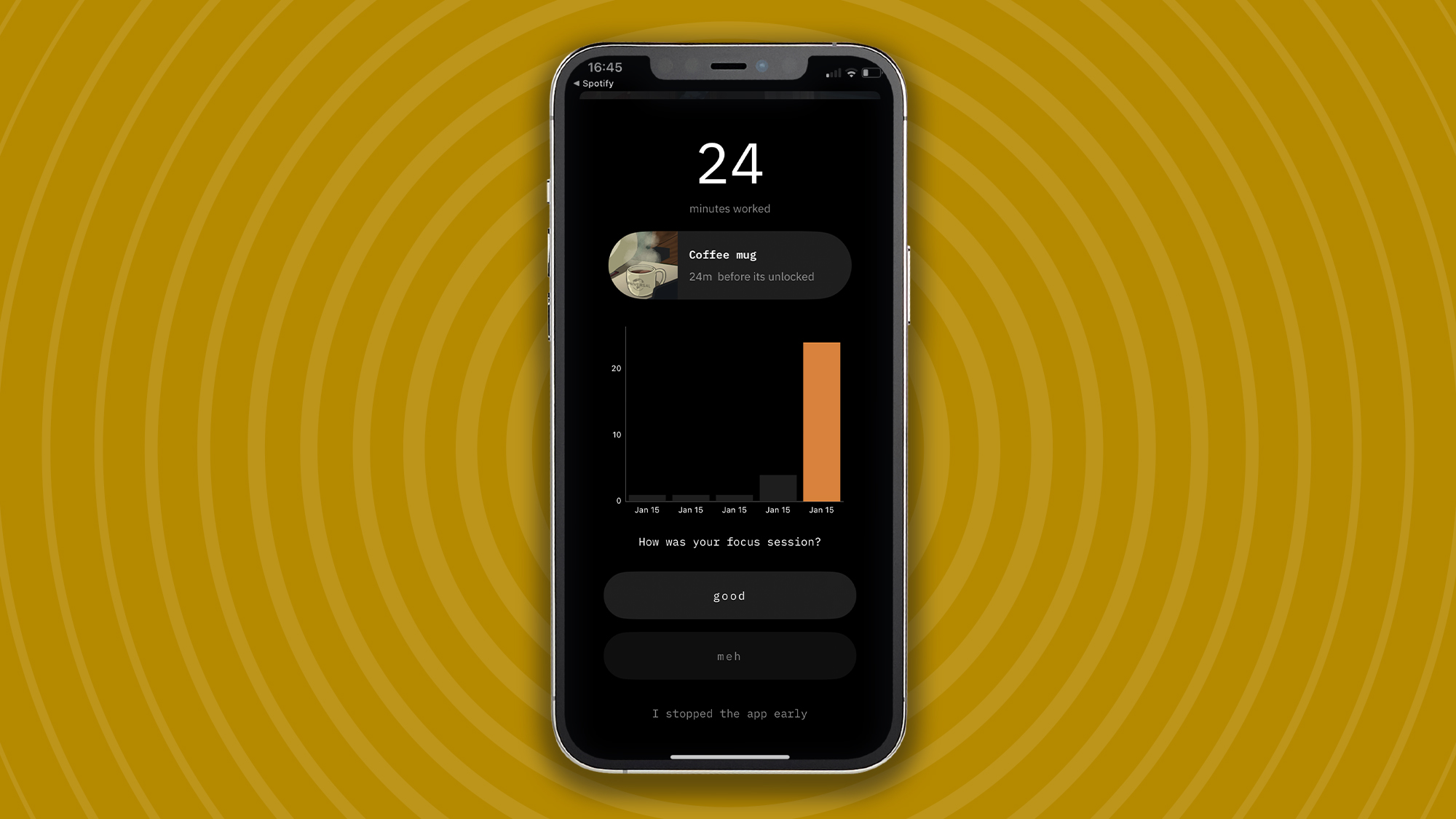
At the end of a session, the app displays a range of stats, including the number of listening minutes for that session, the length of time left until the next visual package is unlocked, and a small graph that displays your progress over time. There’s also a quick question posed, which lets you articulate your feelings about the session. All the stats, as well as your answer to the question, are recorded in the app.
Stay rooted with the journal feature
That last element takes me to the final feature of the app, journaling. Far from a complete journaling tool, this section of the app lets users write down their thoughts on each session. I personally prefer written journaling, but having thoughts connected to productivity experiences makes sense. You can also quickly log your mood by choosing from a range of 12 emojis. Despite its simplicity, carrying out this basic task helps me connect my thoughts and body.
Lola isn’t perfect, and there are several features it’s lacking, but there’s something strangely satisfying about its simplicity. It draws you in, keeps you coming back, and above all, sustains your focus.
So, if you need help getting in the zone or chilling out after a long day, why not download Lola on iOS or Android and give it a try?
Follow TechRadar on Google News and add us as a preferred source to get our expert news, reviews, and opinion in your feeds. Make sure to click the Follow button!
And of course you can also follow TechRadar on TikTok for news, reviews, unboxings in video form, and get regular updates from us on WhatsApp too.
