

- Adobe launches new AI tools for Acrobat users
- Features include PDF editing using natural language
- Turn digital documents into presentations and audio versions
There are some big changes coming to Adobe Acrobat today – and yes, there’s a lot of AI involved here.
Acrobat has long topped my guide to the best PDF editors. Its clean, intuitive to use, and has a feature-set that I’d consider pretty vast.
But it seems Adobe isn’t content to just leave it there. Already in recent months, we’ve seen the introduction of a premium business tier, Acrobat Studio, and PDF Spaces – an AI-powered workspace. Now, the company has launched a series of new tools for the software.
What’s new in Acrobat?
There are four big changes for the digital document software in this latest update, based on Adobe’s three key pillars of faster AI insights, tailored sharing, and content creation through Adobe Express.
Here’s what users can expect.
- New ways to edit PDFs using AI chat
- Generate Podcast lets you turn PDFs into audio overviews
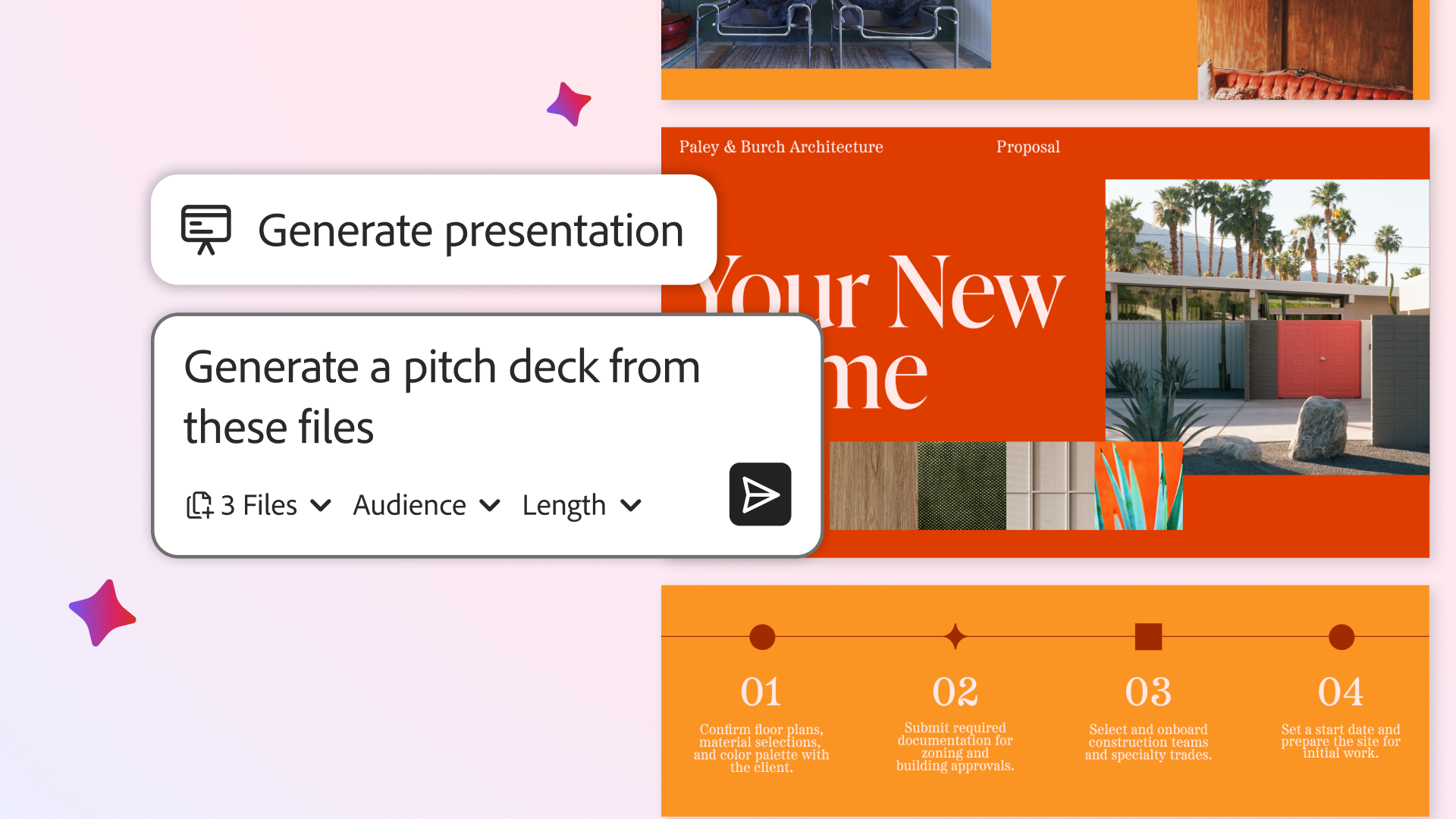
- Generate Presentation transforms documents into decks
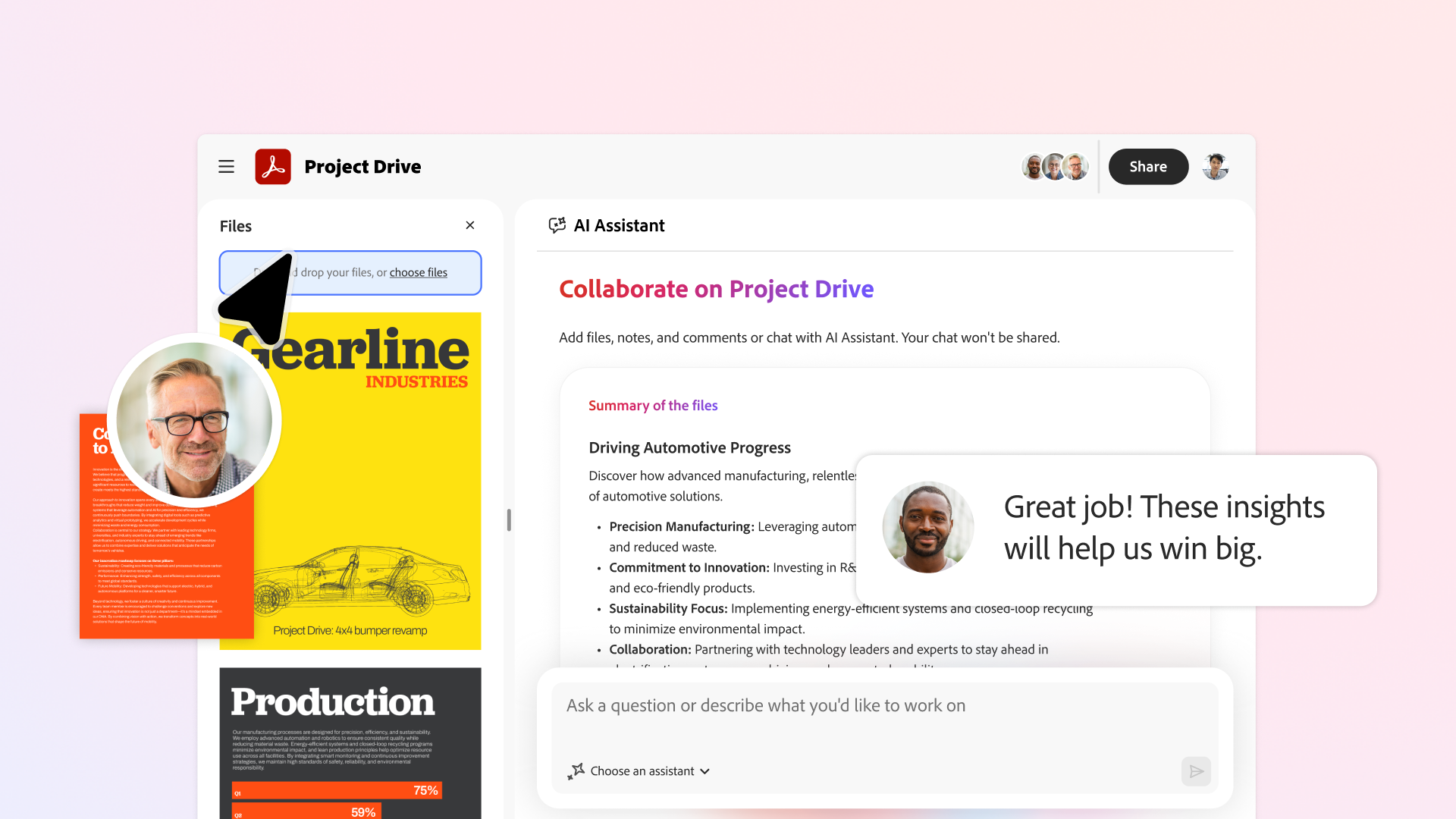
- Improve collaboration via PDF Spaces
Let’s start with PDF editing – with the AI companion, you can now make changes to documents using natural language. Want to remove pages, or rotate them? Rewrite passages, generate summaries of entire documents? That’s all available via the AI chat box. If you’re not sure where to start, the system will also serve up ideas for other changes to make or actions to take.
To me, Generate Podcast is the most interesting update. Don’t be fooled by the ‘podcast’ moniker. This is a lot like the read aloud function already found in Acrobat, where you can create an audio overview of documents, transcripts, and notes. Adobe is also promising the output can be tailored “for how you learn so you retain more information.”
Generate Presentation is another AI tool (of course), and does exactly what you’d expect: it turns documents into decks for presenting information to colleagues. Powered by Adobe Express, which has received a lot of love over the past year, users can create decks based on over five-hundred thousand templates, and generate custom imagery to make them more eye-catching.
Finally, the company wants to improve collaboration within PDF Spaces. Not the most exciting update, but a welcome one, with new options for inviting collaborators to add files, leave notes, and make comments.
From the demo videos Adobe showed me, they all look helpful in speeding up workflows, and pretty easy to use – as I’d expect from an AI-infused Acrobat. But I’ll be interested see more results, and learn how (or even if) professionals are making use of these tools.

Our favorite PDF editor for professionals, Acrobat is packed with tools for digital document creation and modification.
Start your free trial by clicking here.View Deal
