

Modern smartphones can make for incredibly good cameras, with the best of them delivering images that – particularly with a little editing – don’t look too far off what you might get from one of the best mirrorless cameras.
But out of the box, even the best camera phones aren’t the best they can possibly be for photos, as there are various apps that can power up their photo-taking and picture-editing abilities.
So, below, in no particular order, we’ve listed five such apps, which between them should help you take better photos in the first place, and then edit them to perfection.
1. Lightroom
- Download Lightroom on Android
- Download Lightroom on iOS
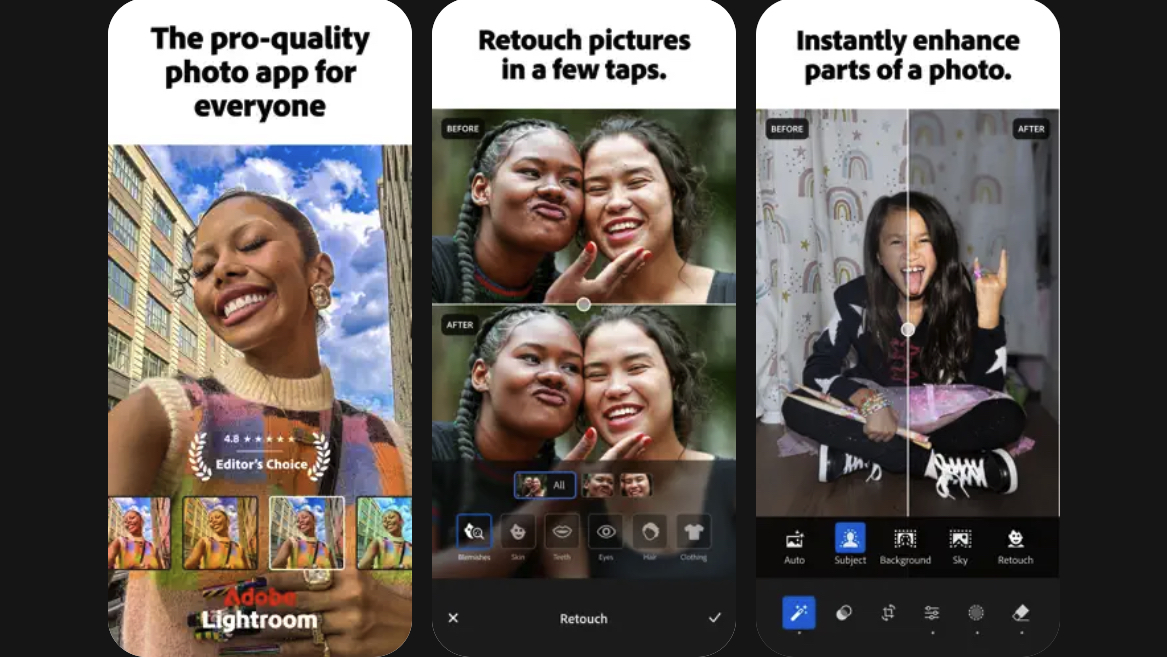
Lightroom is one of the most powerful photo and video editors you’ll find on mobile, and it’s more than some people will need. But if you want a comprehensive editing tool, then this is it.
You can brighten images, crop them, blur the backgrounds, remove objects, and select from numerous filters to apply. You can also adjust the exposure, shadows, highlights, hue, and saturation, and many of Lightroom’s tools and fixes can be applied with a single tap, so it’s not overwhelming to use.
In fact, the app’s built-in AI will even suggest the best edits for your images, taking the guesswork out of it, and helping you become better at selecting edits yourself, too. So, Lightroom on mobile is a feature-packed photo editing tool, and it’s similarly accomplished for video.
2. Snapseed
- Download Snapseed on Android
- Download Snapseed on iOS
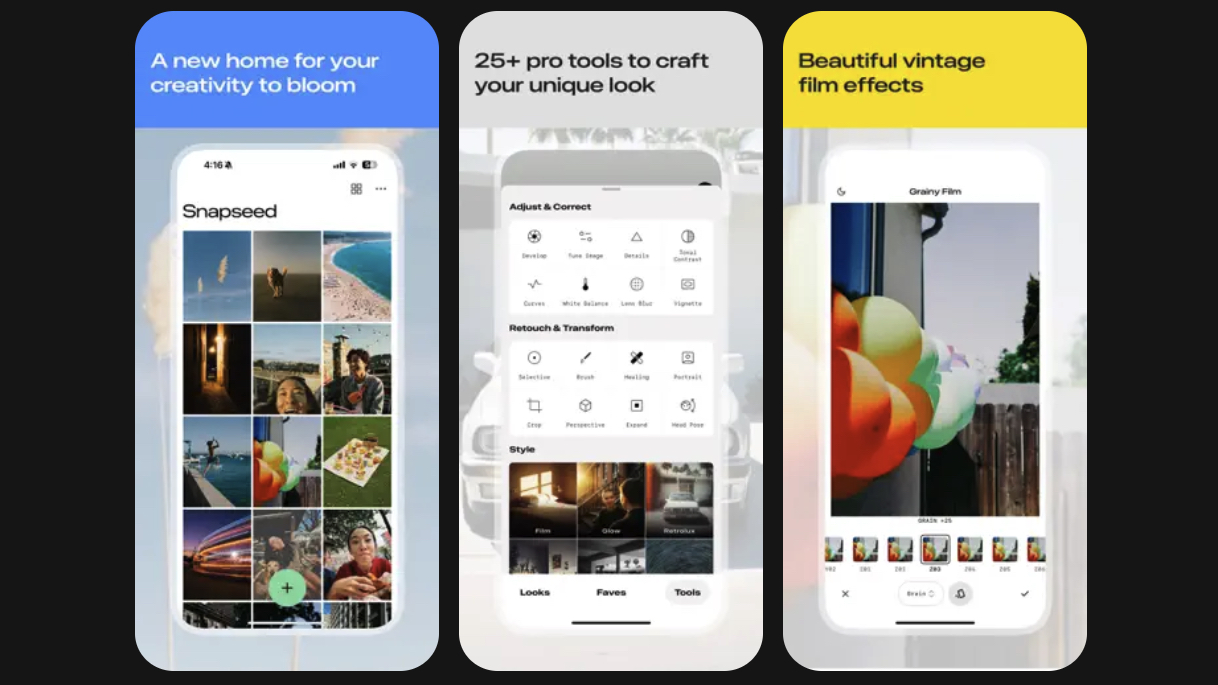
If Lightroom is more in-depth than you need, you might want to consider Snapseed, which is another photo editing tool, but it’s one that’s a bit simpler and not quite as packed full of features.
That said, it still has an assortment of over 25 extremely useful tools, including the ability to crop and rotate images, remove unwanted objects, add text, enhance the details, adjust the white balance, and even open and edit RAW files. There are a whole lot of filters built in, too, including Vintage, Drama, Noir, Grunge, and more.
So, whether your photos just want a simple retouch, a filter applied, or a more involved edit, Snapseed should have you covered. Though if you’re choosing between this and Lightroom, we’d generally recommend Snapseed for simpler fixes and Lightroom for bigger changes.
3. Halide Mark II
- Download Halide Mark II on iOS
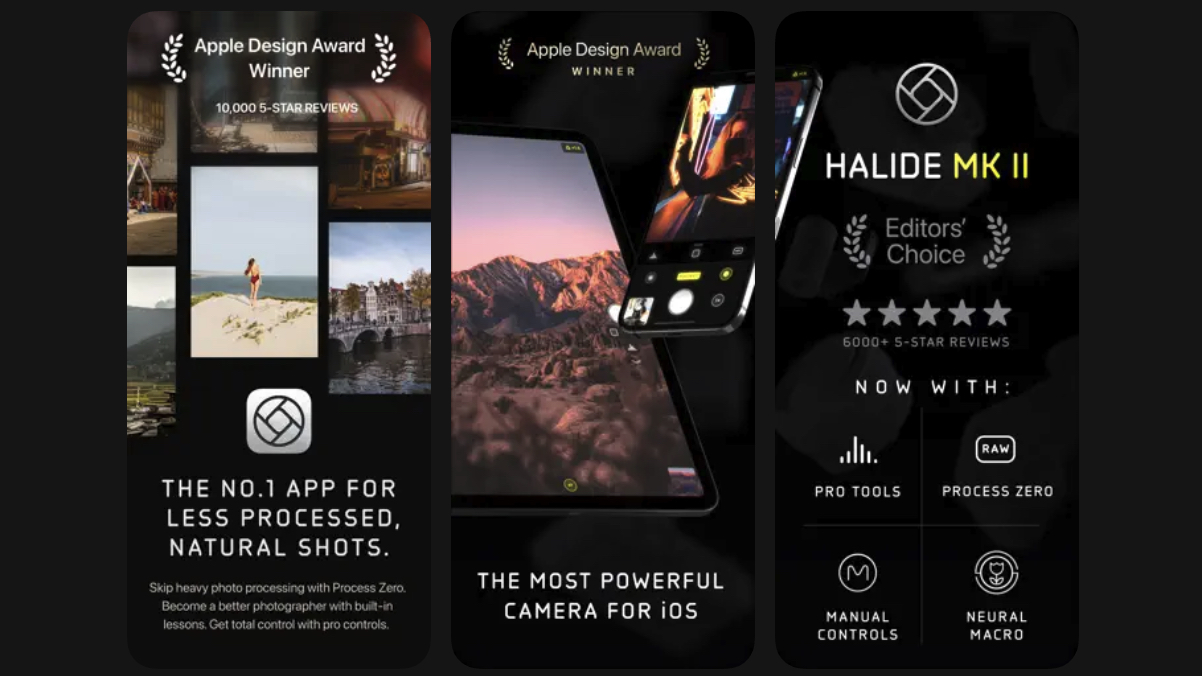
Halide Mark II is different from the apps listed above in two ways. First, it’s only available on iPhone, while the aforementioned apps are available on Android too, and second, this is an app for taking photos rather than editing them.
Now, of course, your iPhone has a capable camera app built in, but with Halide Mark II, you can unlock all sorts of additional tools and features.
These include things like being able to control how the image is processed, or select ‘Process Zero’ to skip the image processing altogether. You can also take macro shots even if the iPhone you’re using lacks a macro lens, as well as adjust the shutter speed, ISO, and white balance, manually focus, and more.
Halide Mark II is designed to be intuitive to use, too, with gesture-based controls, and for those who need a little help with their photos, there are lessons that you can access from the app.
If you just want to point and shoot, then you probably don’t need Halide Mark II, especially as it’s not free. But if you’re used to taking more control of your camera – or would like to learn to – then it’s about the best camera app you’ll find.
4. Open Camera
- Download Open Camera on Android
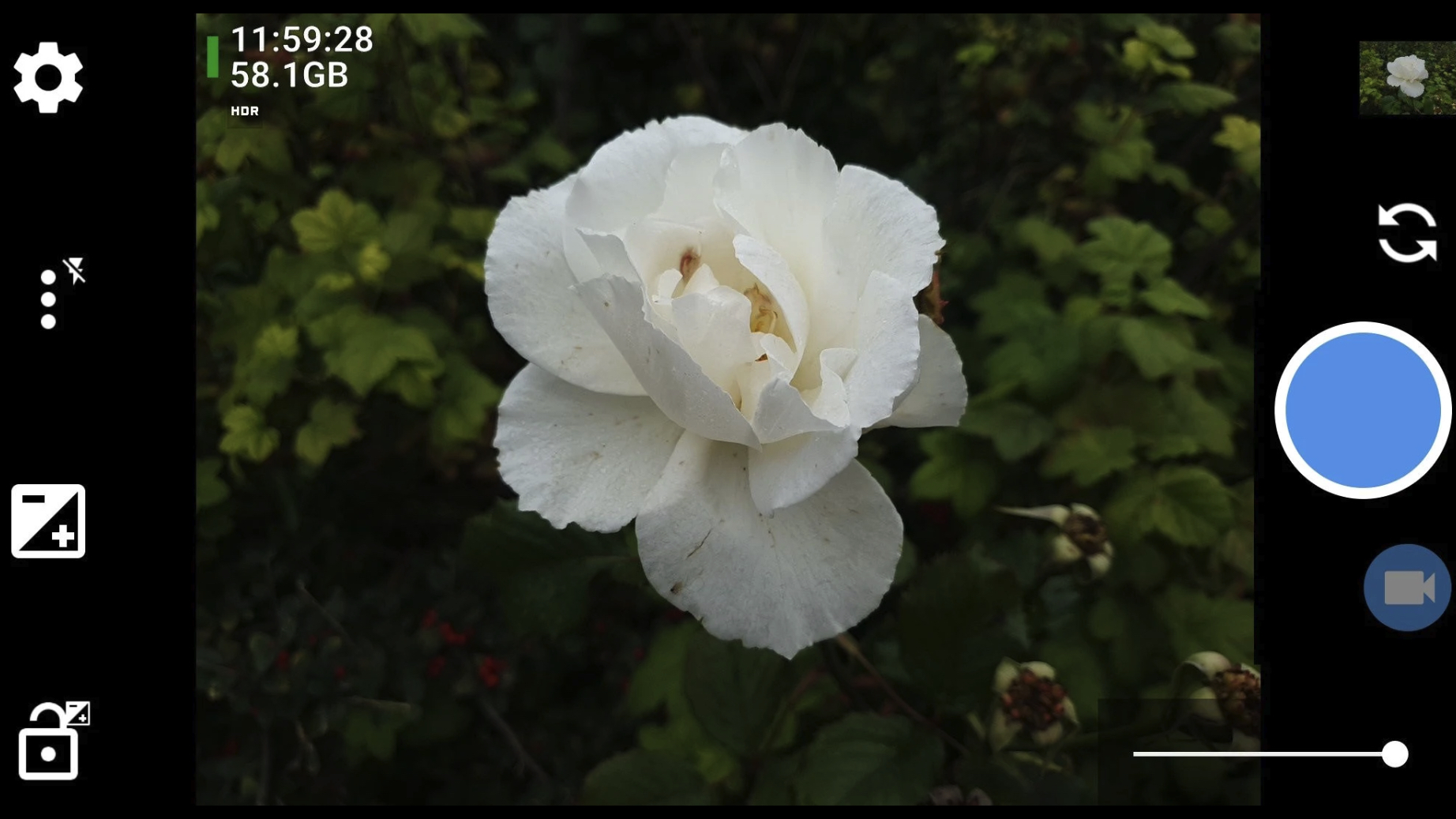
If you’re on Android and are looking for an alternative to your phone’s built-in camera app, then you could consider Open Camera.
Depending on what your phone’s camera is already capable of, this app could add some useful functionality, such as allowing for panoramas with the selfie camera, letting you take a selfie with a screen flash to brighten the image, giving you the option to auto-level images, as well as the ability to adjust the white balance, ISO, and more.
Open Camera also includes options for taking photos remotely, such as by using a timer or making a noise, and there are tools to help you reduce noise, optimize dynamic range, and view an on-screen histogram, zebra stripes, and focus peaking, among other things.
So, while Halide isn’t available on Android, you can get a lot of similarly good stuff in Open Camera instead.
5. VSCO
- Download VSCO on Android
- Download VSCO on iOS
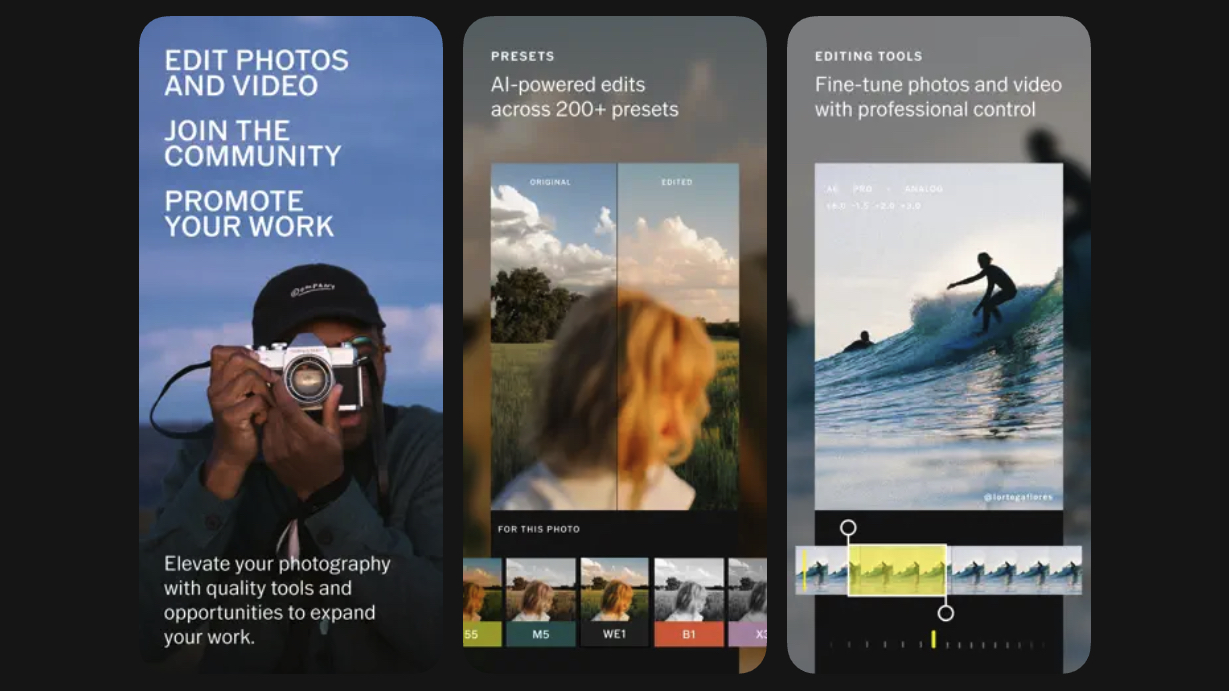
VSCO is a photo editing app that makes it easy to give your images a wide variety of looks, as it includes over 200 presets that you can apply to your photos with ease.
It also lets you add borders to images, create montages, and edit photos in various ways, such as adjusting the contrast and saturation, or adding grain. Cleverly, the app also makes it easy to apply the same edits to future images, too, by saving them as recipes.
And there’s a community element to VSCO as well, with the app letting you share your photos with the wider user base, view other people’s images, and take part in weekly photo challenges.
A lot of the stuff in VSCO does require a paid subscription, but you can access most of the basics for free.
Follow TechRadar on Google News and add us as a preferred source to get our expert news, reviews, and opinion in your feeds. Make sure to click the Follow button!
And of course you can also follow TechRadar on TikTok for news, reviews, unboxings in video form, and get regular updates from us on WhatsApp too.
