

Thinking about fitting a home security system, but don’t want the hassle of routing wires through your walls? Perhaps you rent, or live in an apartment where that isn’t even an option? If so, you’ll be glad to know that wireless security cameras have come a long way in the last couple of years, and modern cams can run for months rather than days or weeks on a single charge.
In fact, there are so many wireless security cameras to choose from, it can be a bit daunting. That’s why I’ve put together this list of three top-rated battery-powered cams, including options for indoors and out, and for every budget. We’ve tested all of these cameras here at TechRadar, and they’re the ones we’d trust to protect our own homes.
Some (though not all) wireless security cameras require a subscription to unlock certain features, so I’ll also mention when that’s the case, and which tools are only available to paying members. Now, on with the recommendations…
Ring Outdoor Camera Pro (Battery)


Despite its name, this versatile wireless camera is designed for use indoors as well as out (in fact, it was formerly known as the Ring Stick-Up Camera Pro, which made that fact a bit more obvious). You can place it on any flat surface or screw it to a wall, and its weatherproof casing means it’ll survive exposure to the elements if you install it outside.
It’s an upgraded version of the original Ring Stick-Up Cam, with extra features including color pre-roll video (which saves a few seconds of video footage from before an event was triggered), Bird’s Eye View (which lets you see the path visitors take to your home). Want to know if someone has been loitering by your window or taking a good, long look at your car? Now you can.
We were impressed by the Ring Outdoor Camera Pro’s battery life during our tests. A single charge lasted months rather than days or weeks when we dialled down the sensitivity a little – and the camera can run for even longer without a recharge if you pick up the optional solar panel. We only wish we could charge it via USB-C when the need arises.
Its 1080p resolution isn’t the highest around, but we found it fine for a modestly-sized property, and the camera’s color night vision is very good.
As with all Ring products, you’ll need a Ring Home subscription to make the most of this wireless camera. You’ll be able to use its basic functions without one (such as watching video from the camera live on your phone) but to save your videos in the cloud, get person alerts, and see video preview alerts, you’ll need to sign up. For more details, take a look at our complete guide to Ring Home subscriptions.
If you don’t need its most advanced features, take a look at the regular Ring Stick-Up Cam instead, which has the same resolution as the Pro and is a little cheaper.
Read our full Ring Outdoor Camera Pro (Battery) review
Blink Outdoor 4


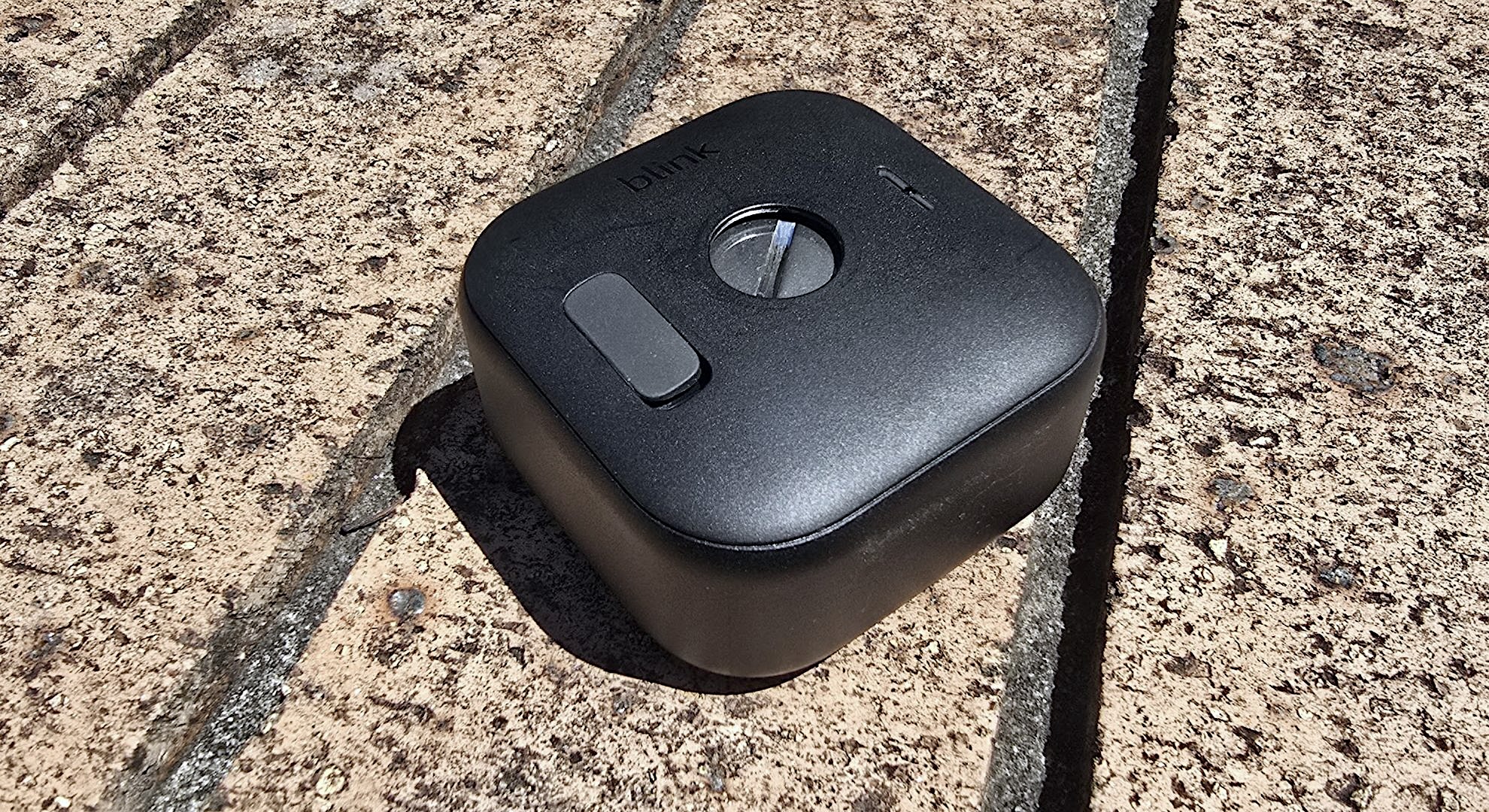

This tiny wireless camera is a super option if you’re planning your first home security setup, and you want to make your life as easy as possible. You can buy one individually, or grab them in packs of up to eight if you’ve got a particularly large yard to cover, and they’re a cinch to install.
Its weather-resistance means you can set it up outdoors and pretty much forget it, but like the Ring camera above, it’s a fine option for indoor use as well.
We found the Blink app very easy to use too, particularly for more advanced features like setting custom motion-detection zones , which can sometimes be tricky with other entry-level cameras.
Its 1080p resolution isn’t the highest around (I’m hoping for a 2K Blink Outdoor 5 at some point soon), but like the Ring Outdoor Camera Pro, the Blink Outdoor 4 is perfectly OK for monitoring small areas.
It also makes an ideal wildlife camera, letting you track the comings and goings of animals and birds. We found motion detection reliable, though the camera works best in good light, and footage can look somewhat grainy at dawn and dusk.
A paid subscription plan isn’t essential to use the Blink Outdoor 4 or to save your recordings. You can save footage locally using the Sync Module 2 (which is included with the camera) connected to an external storage device. Subscribers benefit from extras like unlimited 60-day cloud storage and photo capture, but it’s a nice extra rather than mandatory.
Read our full Blink Outdoor 4 review
Swann MaxRanger 4K Solar
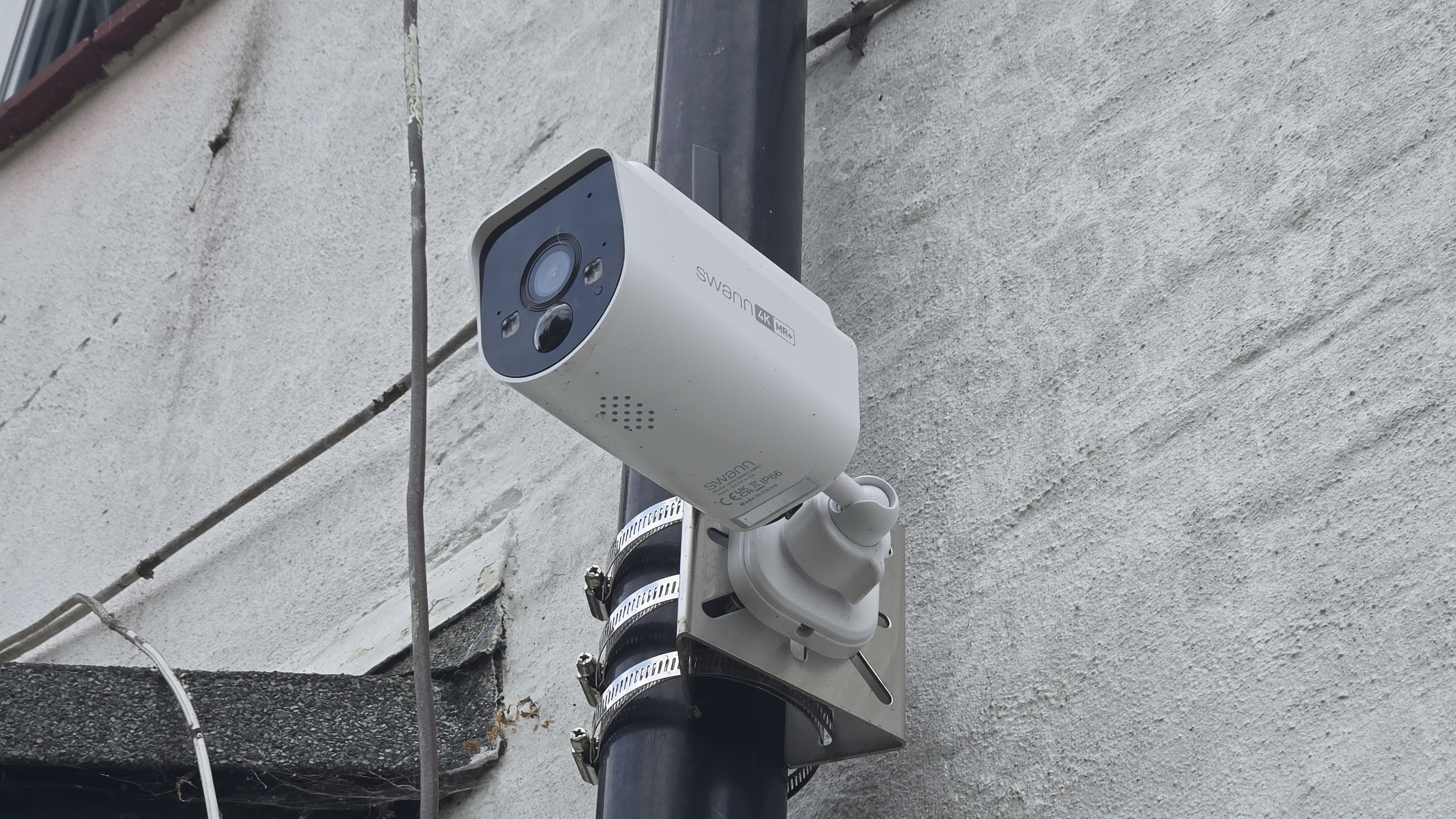
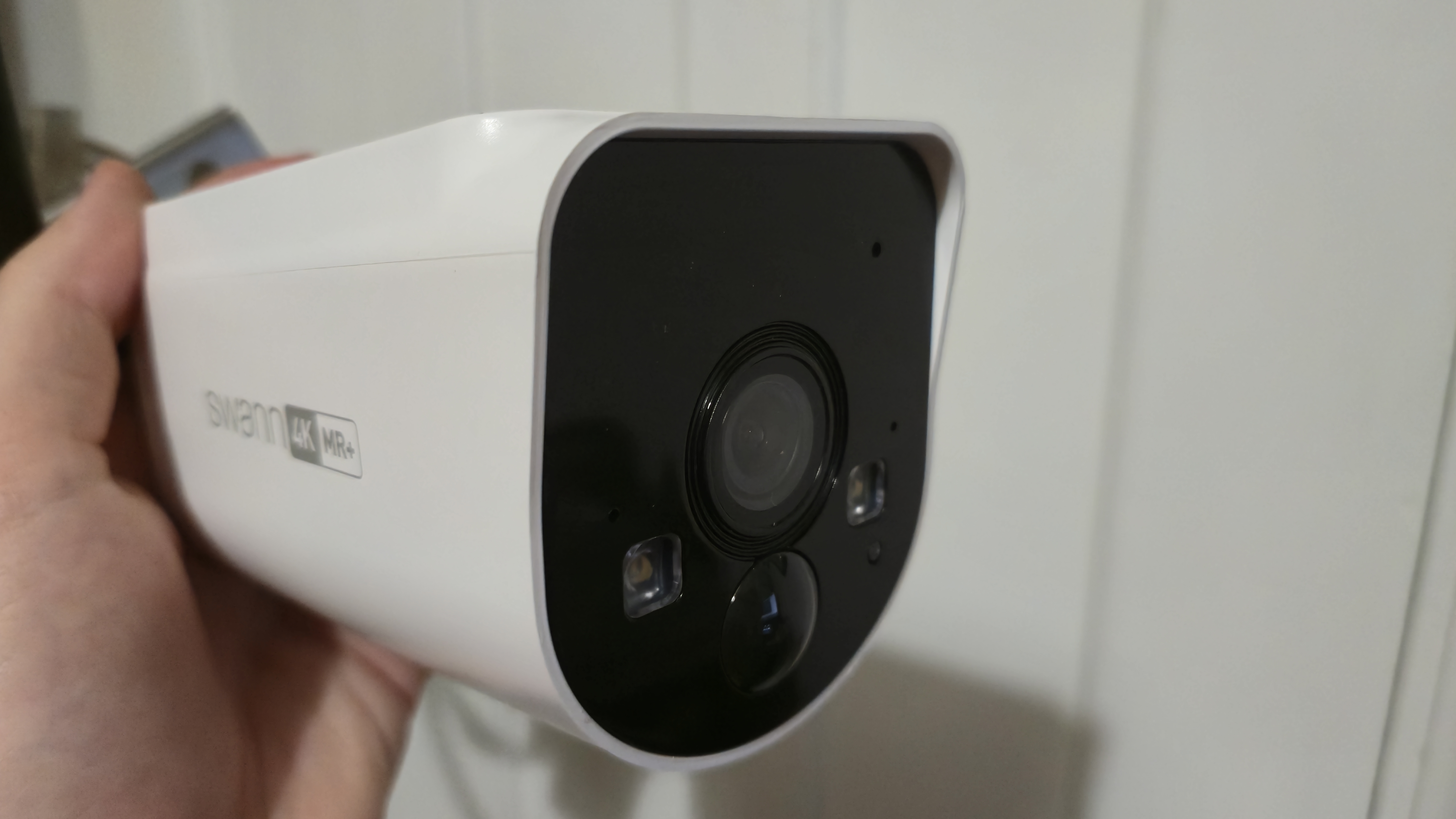

Want a serious security system to protect your home, but don’t want the hassle and expense of hiring a professional to install it? The Swann MaxRanger4K Solar is for you.
We tested this serious outdoor security camera just a few weeks ago, and it left us thoroughly impressed. It’s designed to be used outdoors, with a tough weather-resistant chassis, and it captures super-crisp 4K footage with a wide 105-degree viewing angle to help cover your whole yard.
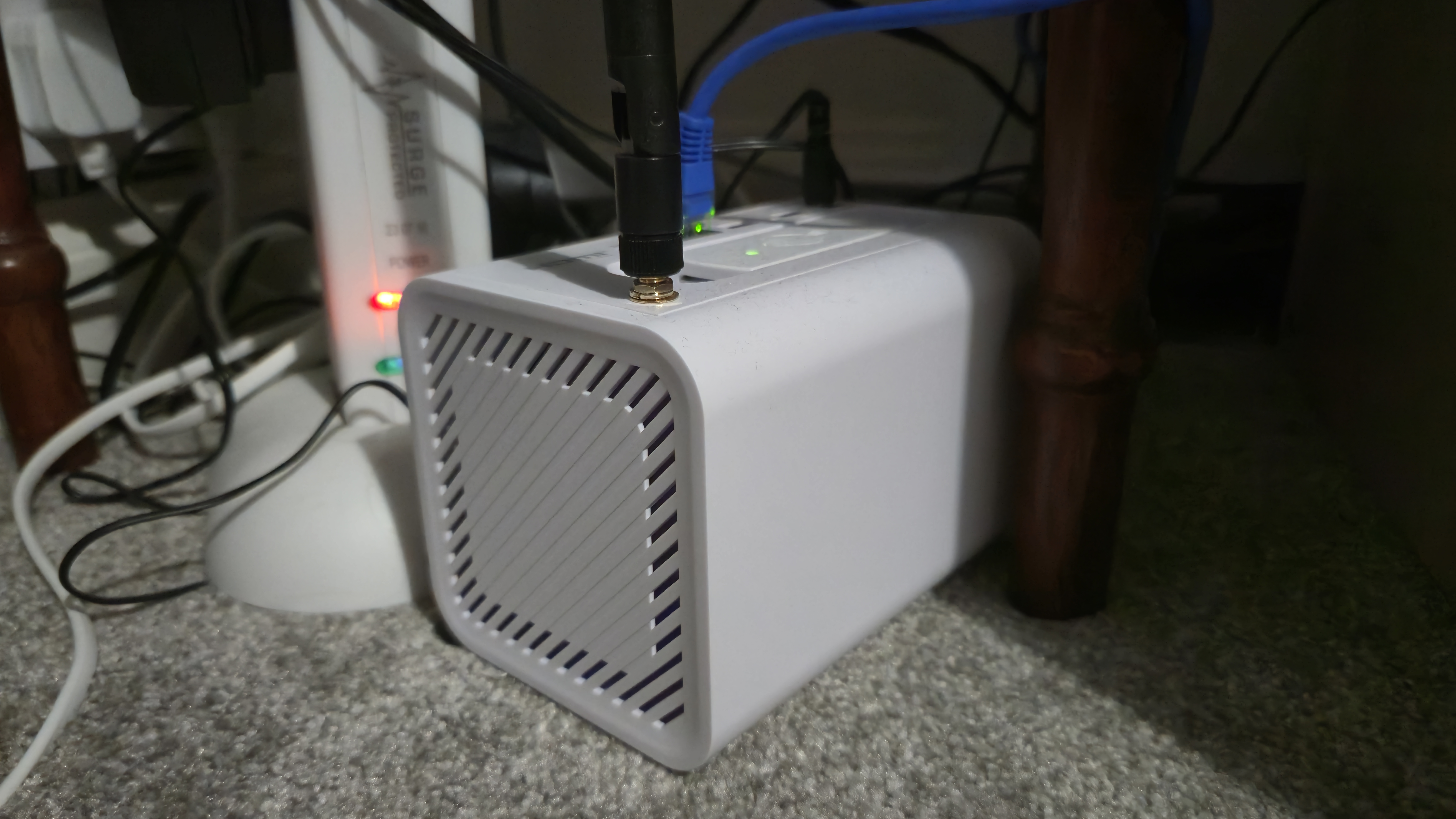
Unlike many other home security cameras, the MaxRanger4K doesn’t require a subscription. Although Swann does offer a membership plan, none of the camera’s key features are restricted to subscribers, and your video footage is stored locally on the base station provided with the starter pack. Need to cover a wider area? You can also pick up additional cameras, with a single hub supporting up to eight cams.
Each camera also has a sensor that uses heat and motion to identify people, vehicles, and other disturbances, and label them accordingly. It’s the kind of feature you’d usually only get with a paid security plan, but it’s bundled in here, and in our tests, it worked very well, accurately identifying triggers for us.
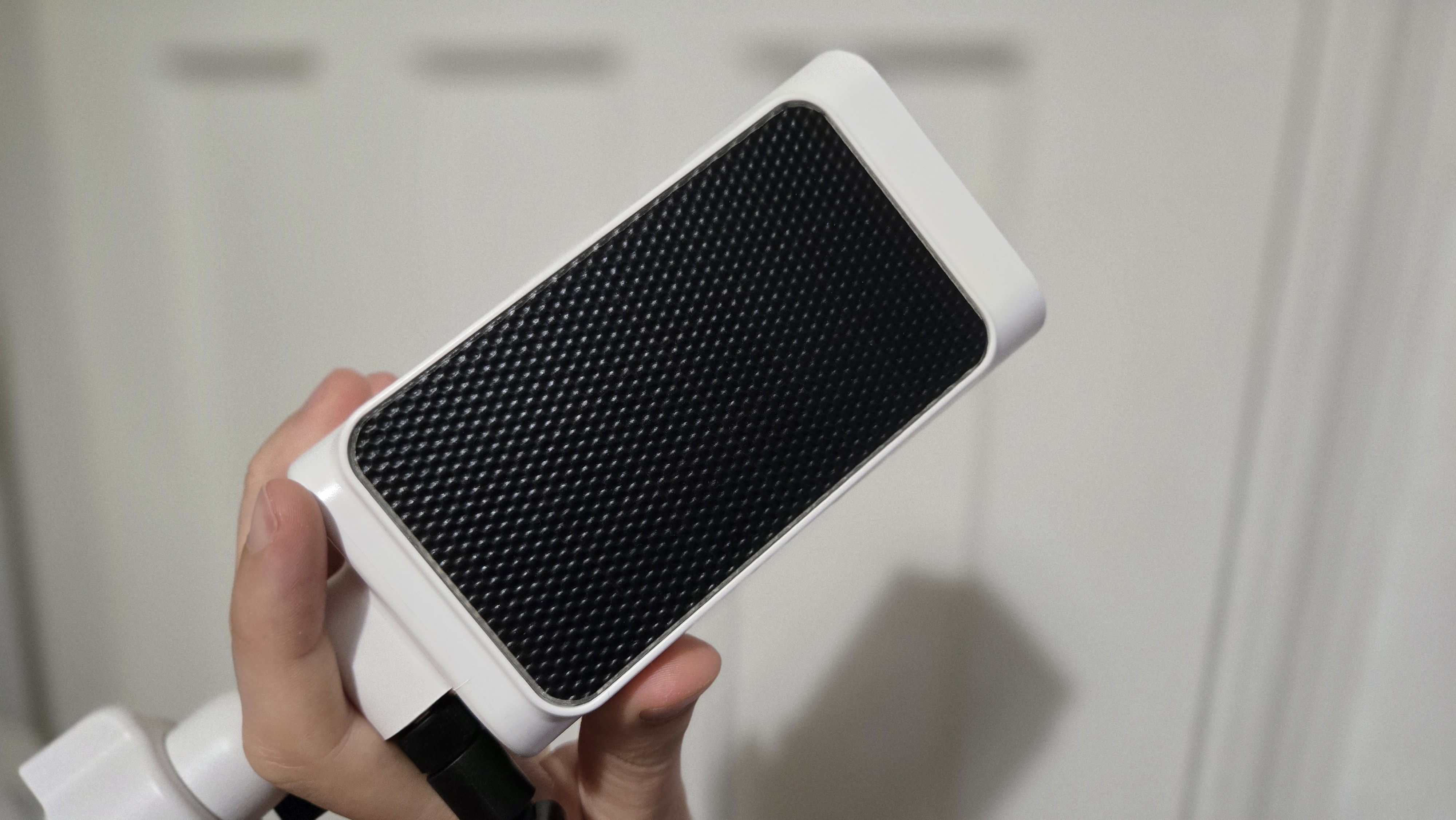
The app lets you tweak camera settings too, including its sensitivity, which is a handy way to extend its battery life. Each cam has a solar panel that allows it to last months between charges, but you’ll need to spend some time optimizing settings for maximum effect. The more frequently the recording is triggered, the faster the battery will drain.
If you want a tough outdoor camera that can pan and tilt to follow motion, the Reolink Altas PT Ultra also comes highly recommended, and like the Swann cam, it doesn’t require a subscription to unlock all its best tools.
Read our full Swann MaxRanger4K Solar review
You might also like
- Reolink’s new subscription-free security camera protects your home with 360-degree coverage and super-bright floodlights
- Swann’s latest home security camera will protect your home with 4K footage and sharp night vision – and it’s subscription-free
- Philips Hue takes on Ring with its first video doorbell – but which deserves a place on your wall?
